

Less stress.
Your group's trip in one place: days planned from places checked on Google Maps, flights tracked to the gate, and costs split fairly.
Free to start · No credit card
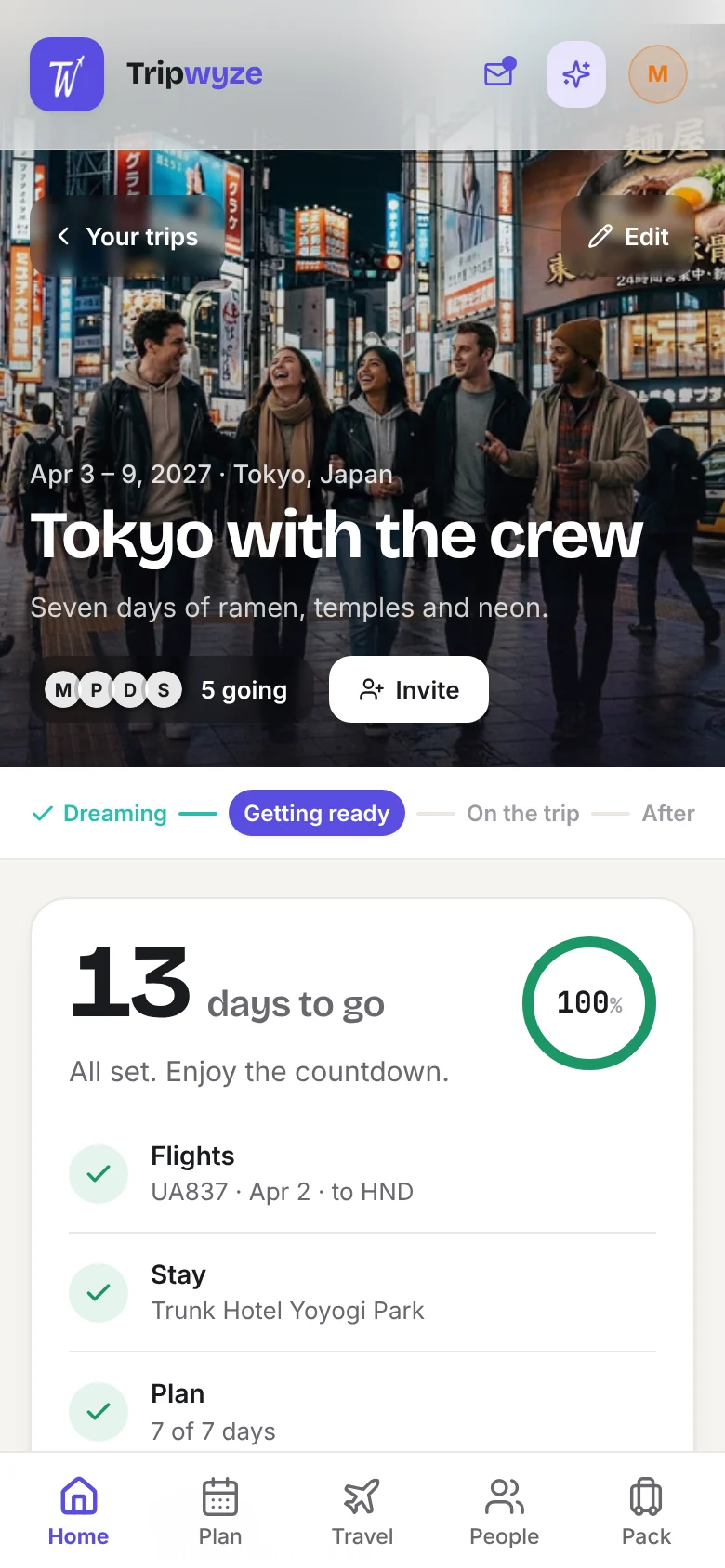
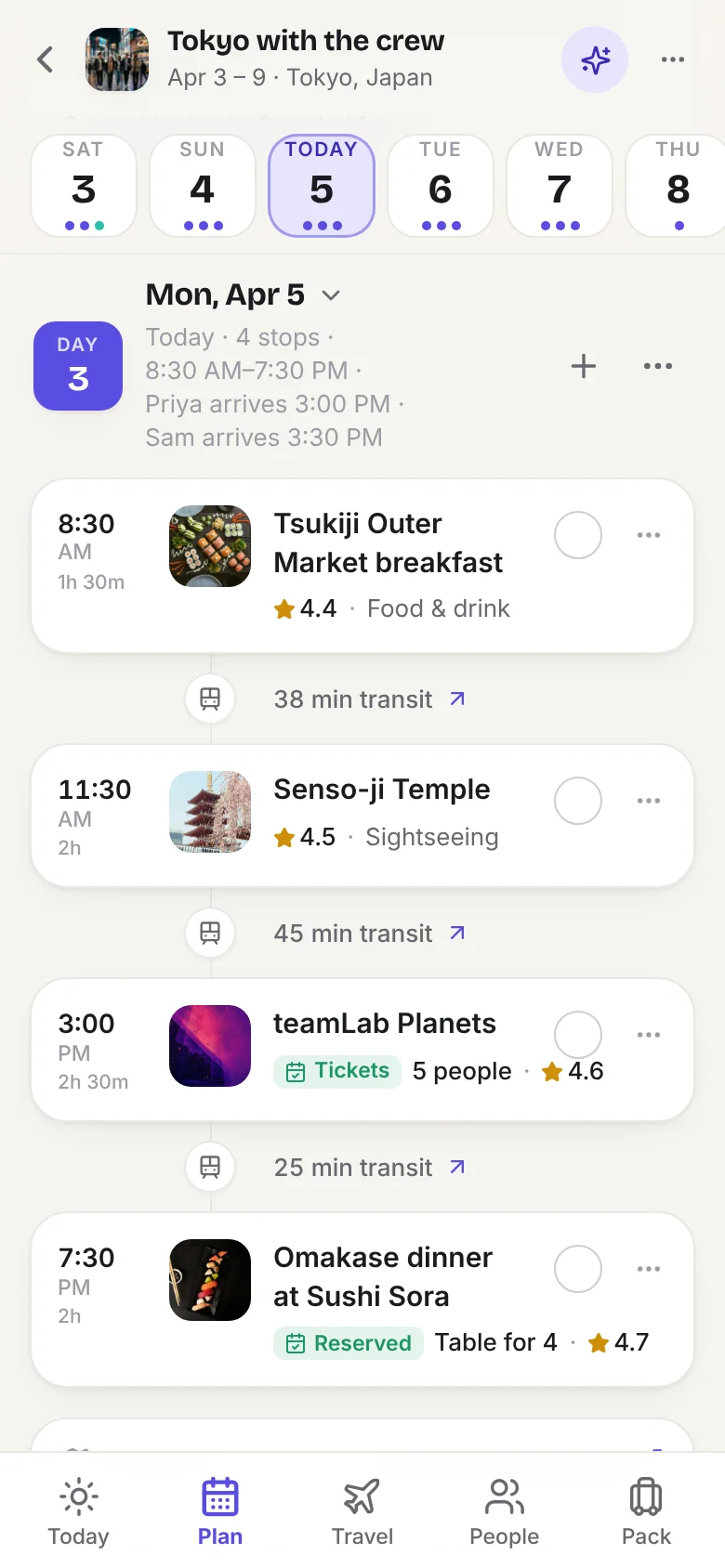
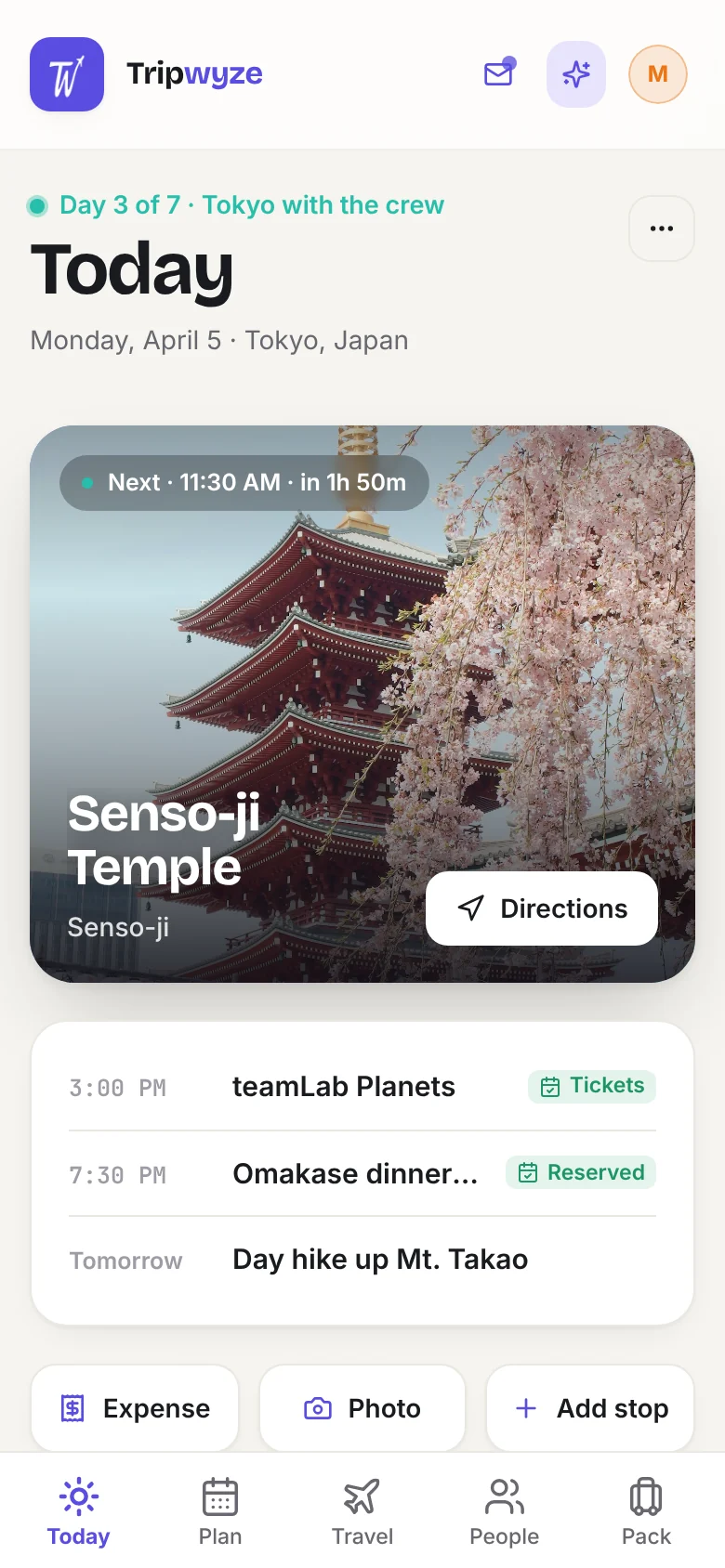
One trip, start to finish
Thirty seconds of the app as it is: open the trip, bring in the crew, walk through every day on the map, and settle up.
- Every trip, one place: the trip list
- Open a trip and it's all there: countdown, flights, stay, plan and packing
- Friends join with one link
- Flights and hotel, all in one place
- Every day, planned, stop by stop
- Tap a stop for the details: photos, rating, address, and who's in
- See the day on a map
- Split costs and settle up
It tells you when to
walk out the door.
Tripwyze watches your flight live. When the gate changes or the departure slips, your leave-by time moves with it.
- Live gate, terminal and baggage belt
- Delays and cancellations as they happen
- Drive time from where you're actually staying
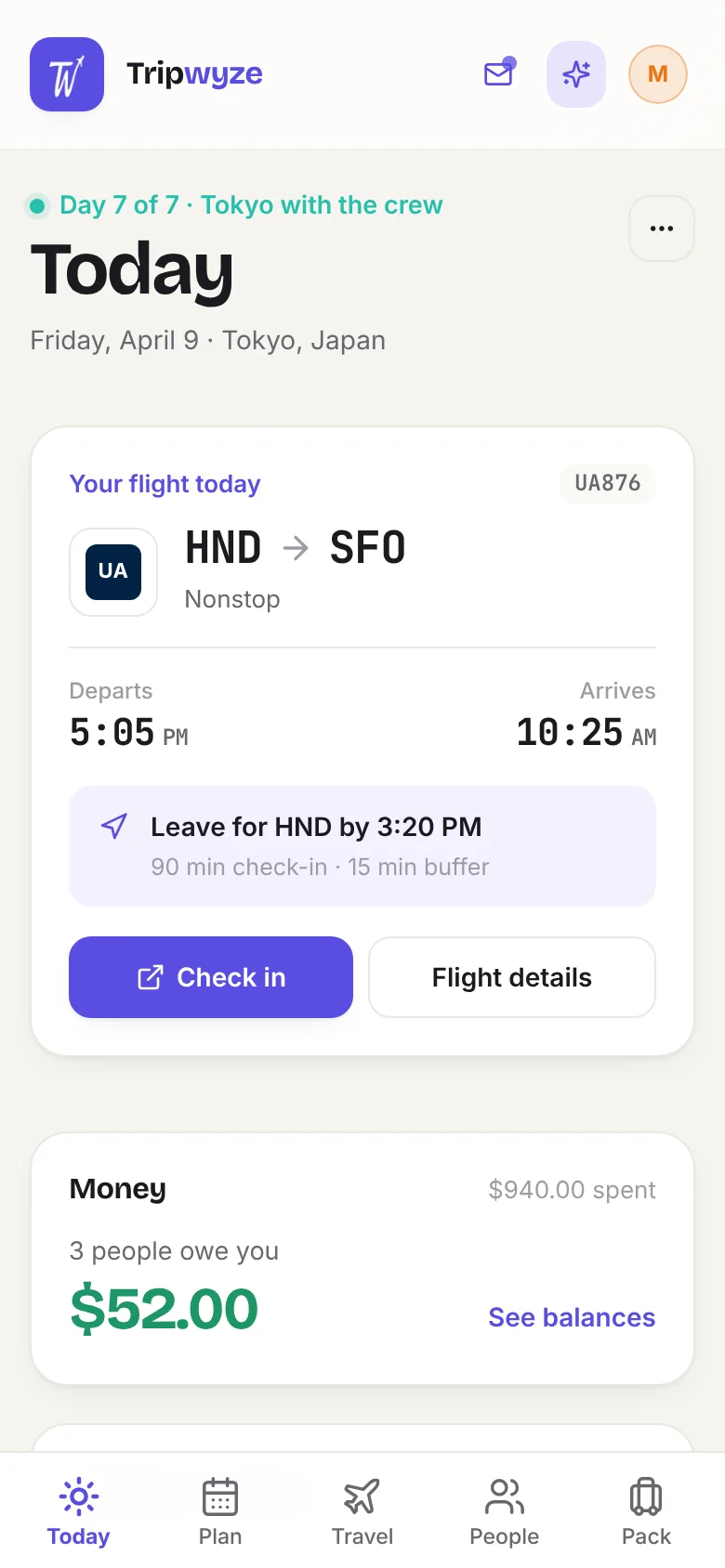
UA876 to SFO is on time, departing 5:05 PM. That leaves 90 minutes for check-in.
Everything a trip needs, in one place
Every plan is built on live flight, weather, and Google Maps data. If it's on your itinerary, it's real.
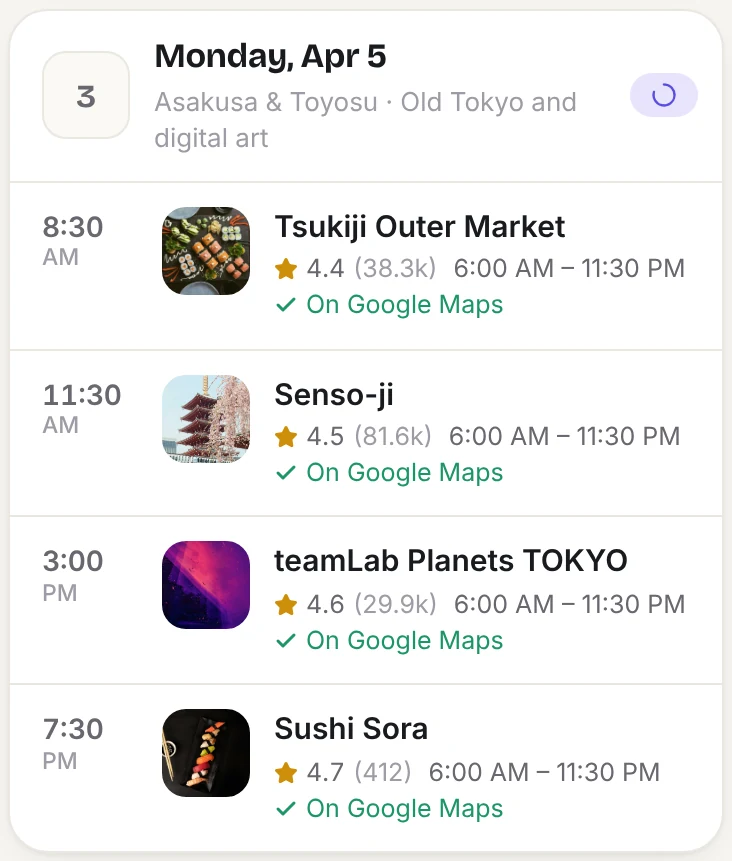
No more "permanently closed"
Every stop is checked against live Google Maps before it reaches your plan: really there, well reviewed, and open at that hour on that day. Anything that fails is dropped.
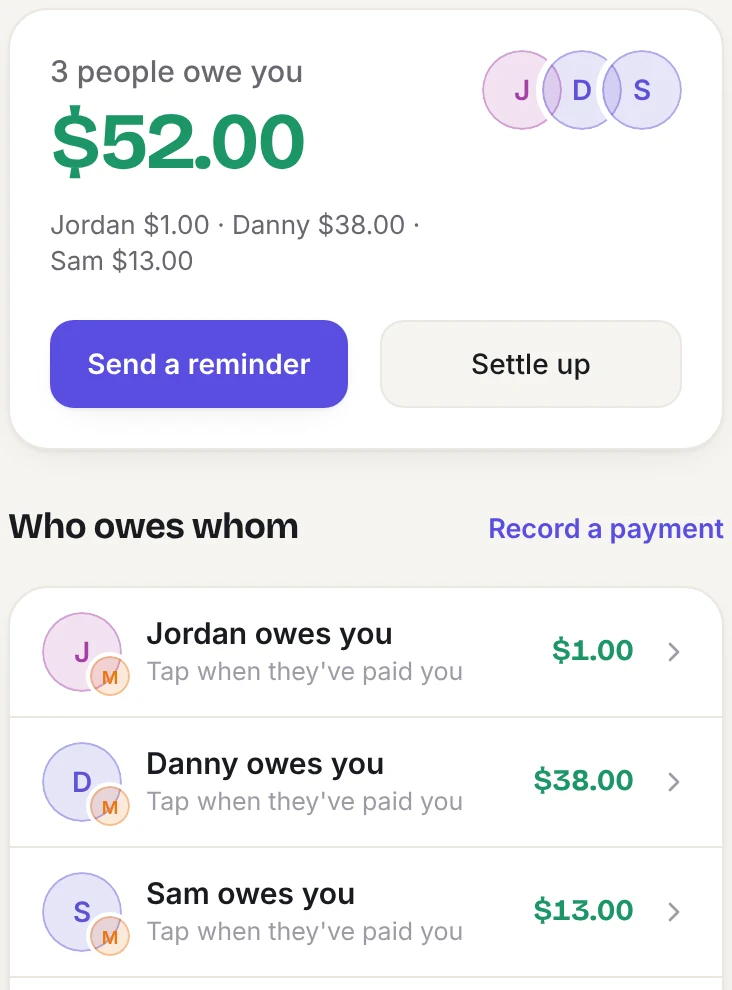
Money that settles itself
Log who paid, split it however you like, and see who owes what. One tap to square up.
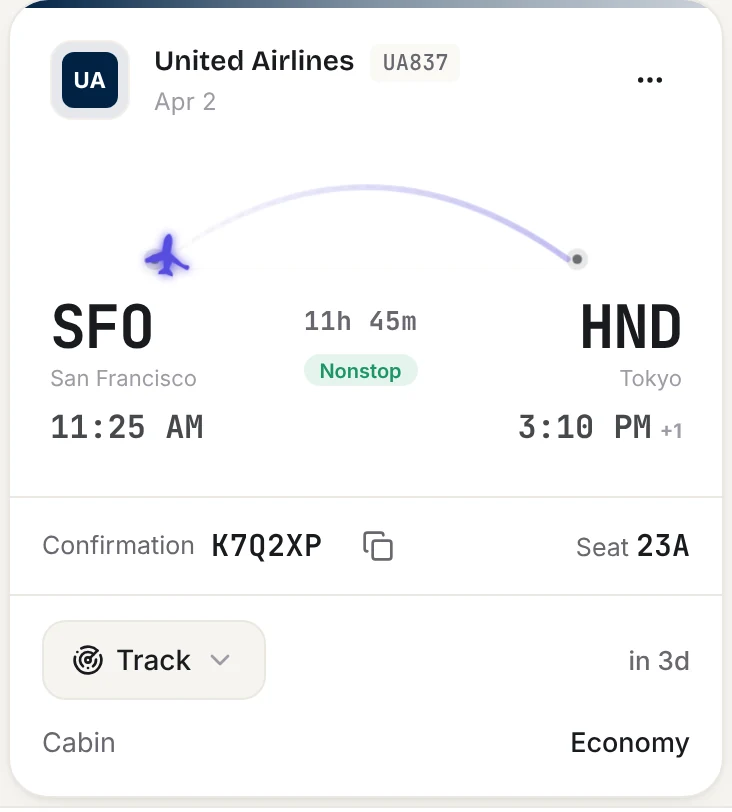
Forward it. Forget it.
Forward the confirmation to bookings@mail.tripwyze.io. The flight arrives with its seat and confirmation number, tracked live from there.
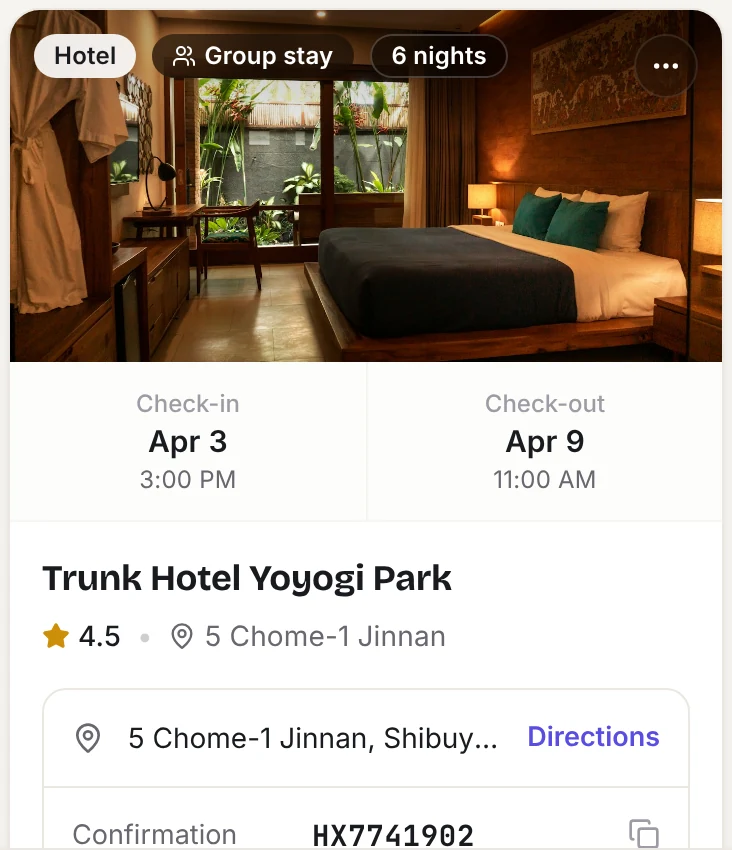
Where everyone's sleeping
Stays sit on the trip with check-in times, the address and the confirmation, for everyone going.
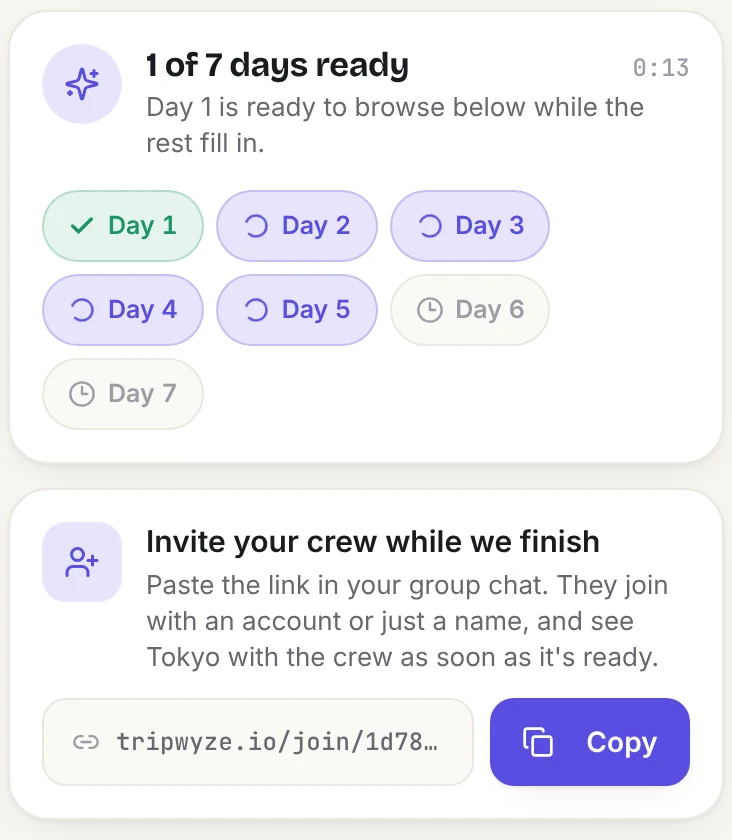
Invite the crew while it builds
The plan arrives a day at a time. Meanwhile, one link in the group chat: friends join with an account or just a name.
From idea to a real plan, one day at a time
Setup is a few questions. Day one comes back first, the rest fill in while you round up the group, and the plan keeps itself current from there.
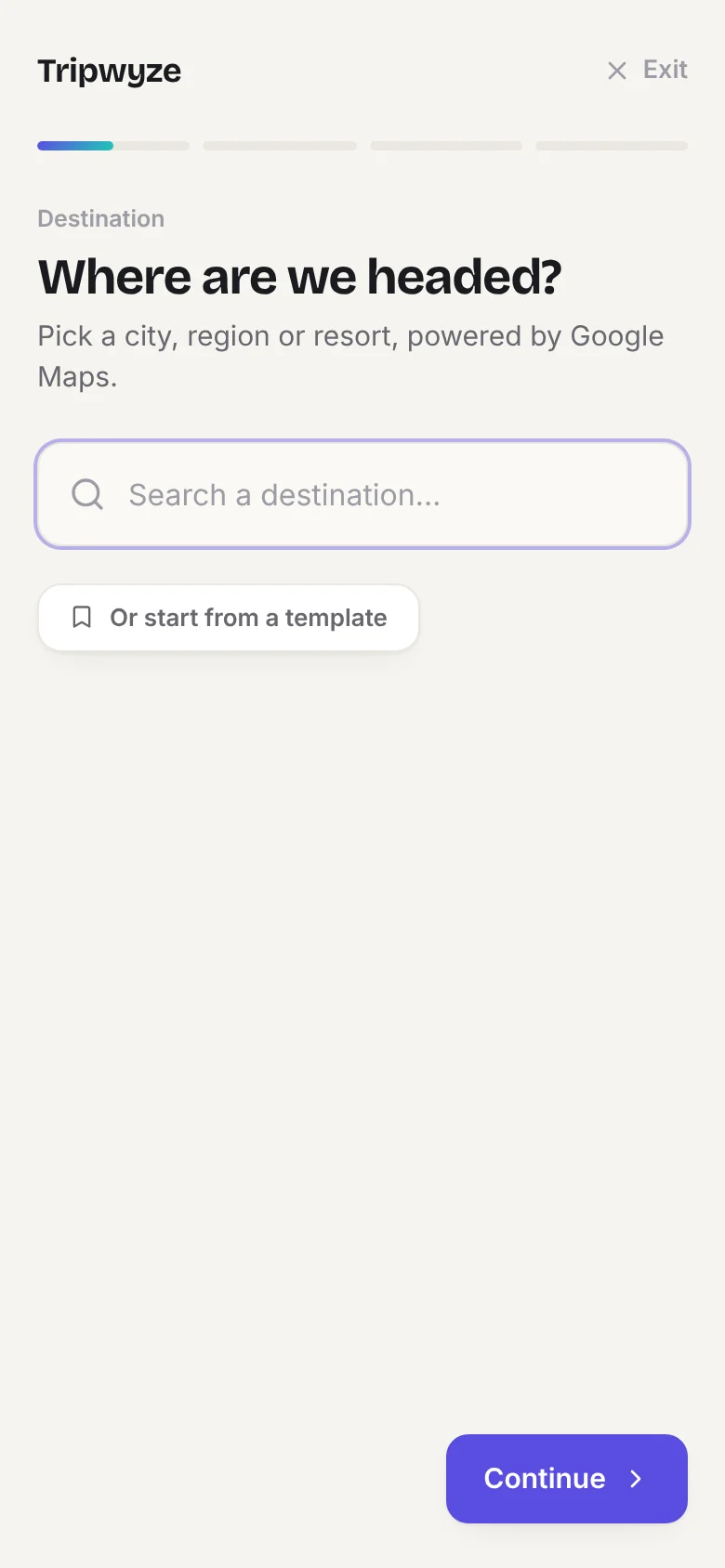
Say where and when
Destination, dates, who's coming, and the vibe. That's the whole setup.
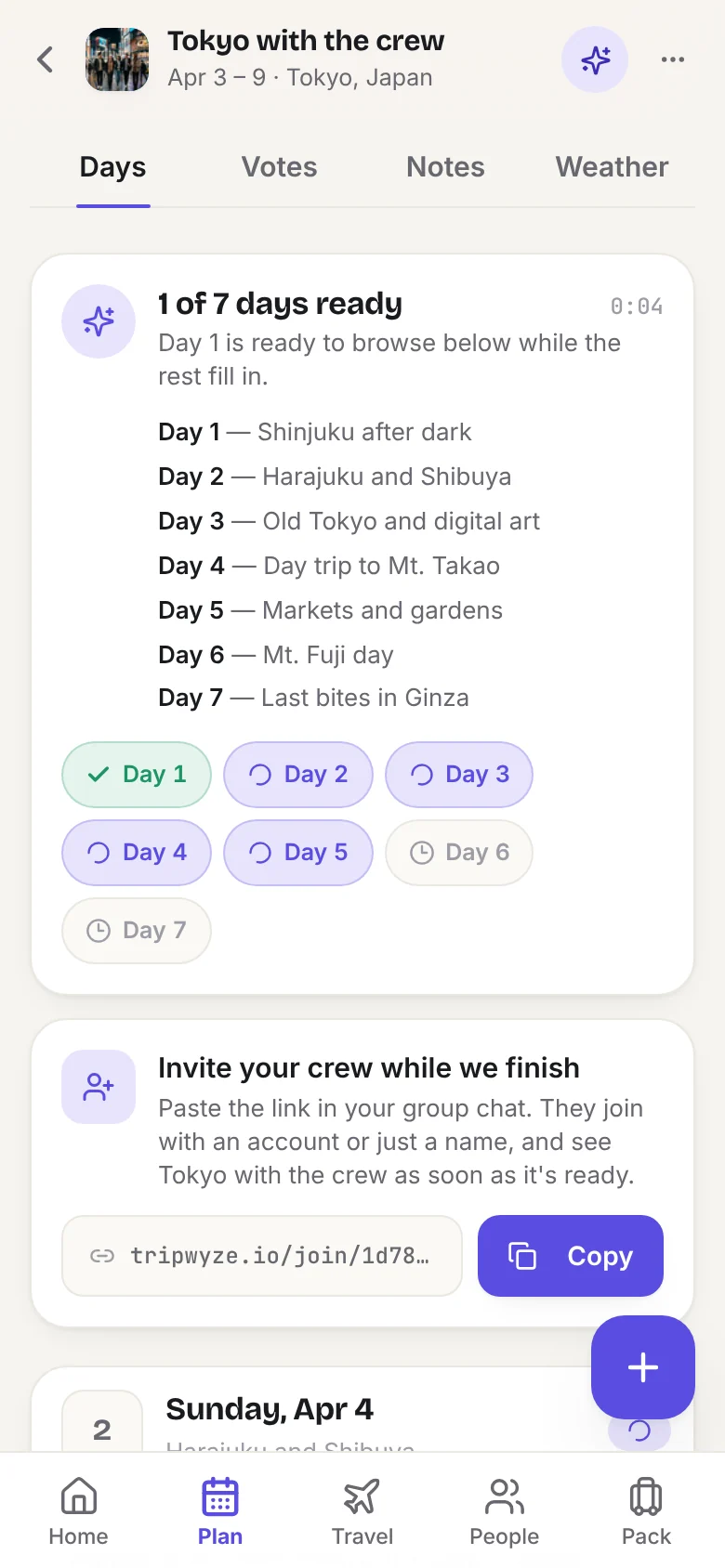
Day one first, the rest while you invite
Each day lands on its own, every place checked on Google Maps as it arrives. Browse day one and send the join link while the others fill in.
Go. It handles the scramble.
Today shows what's next and when to leave for it. Everyone sees the same plan, and the group's changes show up as they happen.
Free to start · No credit card · About a minute
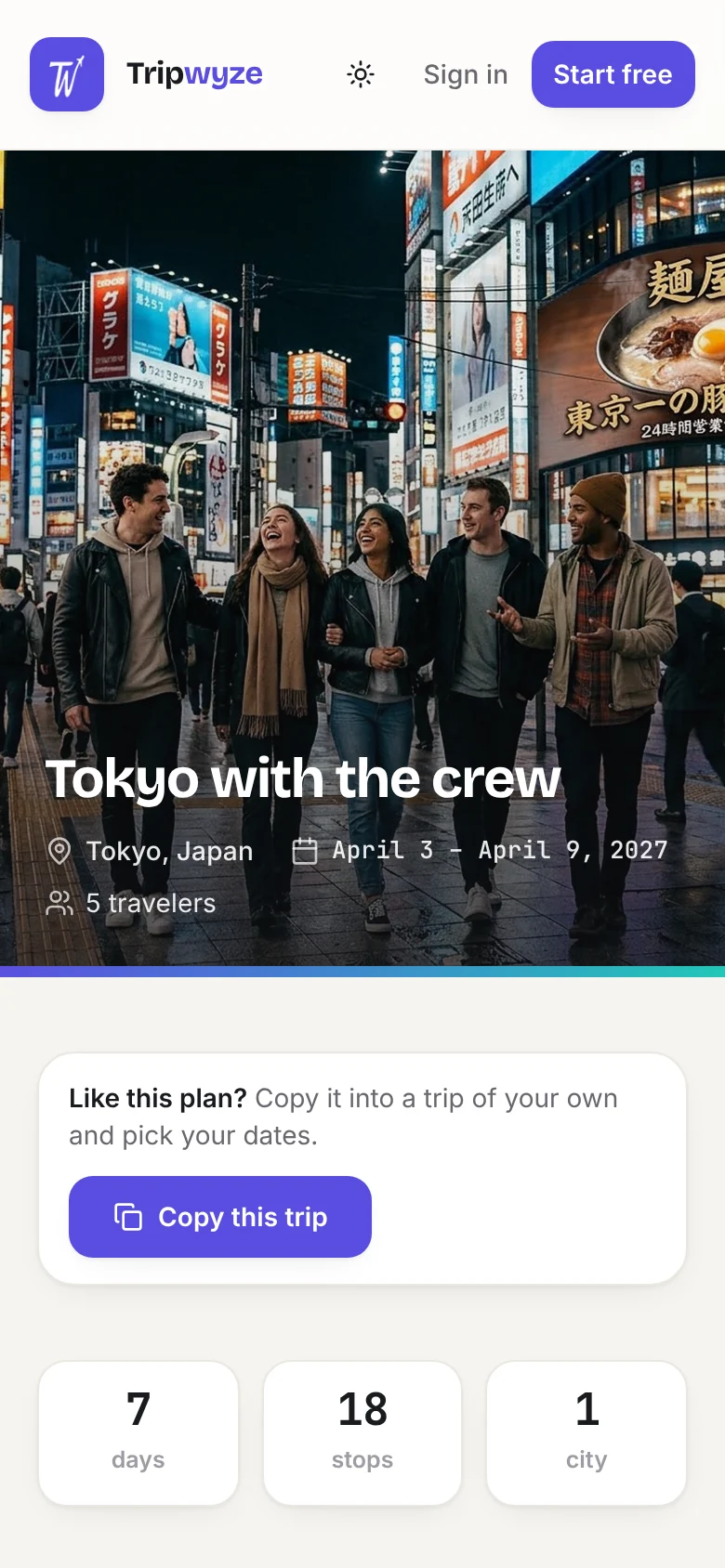
Your whole itinerary,
in one link.
Send the link and friends see the whole trip, day by day, with no account. If they like it, they copy it into a trip of their own and pick their dates.
- No prices, confirmation numbers, or personal notes ever leave
- Save any trip as a template and choose what's in it, down to the stop
- A gallery of community trips to start from
Free to travel. Pro for unlimited AI.
Tracking, alerts, email forwarding and offline are free for everyone, no card needed. Go Pro for unlimited AI on every trip you run.
Free
For your next trip
- Unlimited trips, flights, stays and reservations
- Forward booking emails and they file themselves
- Live flight tracking and leave-by alerts
- Works offline, exports to your calendar
- Invite your whole group: polls, expenses, settle-up
- 3 AI trip passes: full AI planning on 3 trips
Pro
For people who travel often
Billed $84 a year
Go ProEverything in Free, plus:
- Unlimited AI on every trip you organize
- AI itineraries, packing and grocery lists, any time
- Hotel and flight picks for your whole group
- Smart Chat everywhere, not just inside a trip
- Your group uses the AI on your trips at no cost
Prices in USD. Cancel anytime. Your trips stay yours.
Straight answers
The things people check before they start a trip.
They don't need to install anything or plan anything. You send one link, they see the whole trip, and the app quietly does the reminding for you.
A chatbot writes plausible-sounding places from memory. Tripwyze checks every suggestion against Google Maps and drops anything closed or badly reviewed. Flights come from live airline data, and packing follows the forecast for your dates.
Group trips are the whole point. Invite people by email and everyone sees the same itinerary, checklists, polls, notes, and expenses. Organizers manage the plan, and anyone can contribute.
Yes. Forward your booking confirmations and they turn into flights, stays, and reservations automatically. From there you get live flight tracking and the day-by-day view.
You keep them. Trips, itineraries, and history stay accessible on the free plan. Flight tracking, alerts, email forwarding and offline stay free too. You only lose unlimited AI planning.
No. Tripwyze runs in the browser and can install to your home screen. Your current trip works offline, and any itinerary exports to your calendar.
Your trips are visible only to you and the people you invite. We never sell your data.
Your next trip is going to happen anyway.
It may as well be planned. Setting one up is free and takes about a minute.
No credit card required